

How to Ride
Getting around on TriMet is easy, thanks to our convenient trip-planning tools and fast contactless payment.

1 Plan your trip
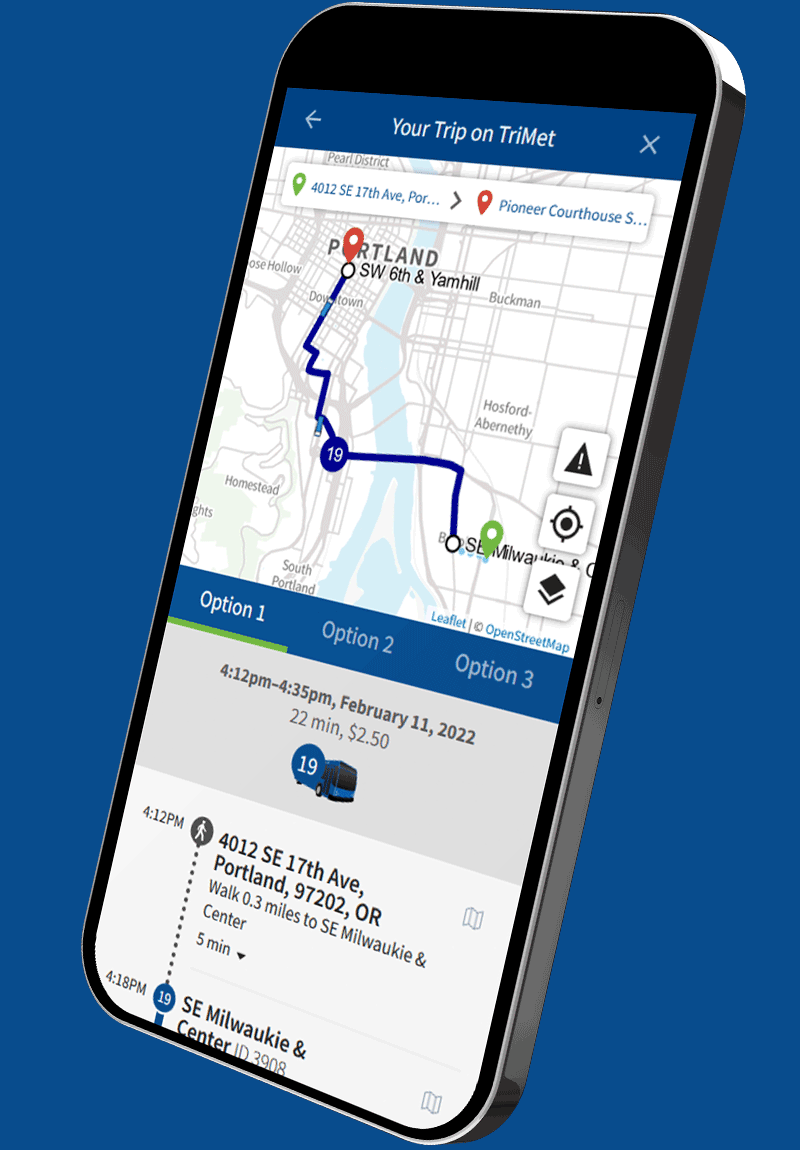
To get started, visit the trimet.org homepage and select “Planner” to plan a trip. We’ll give you step-by-step directions, including when and where to catch your bus or train.

2Track your ride
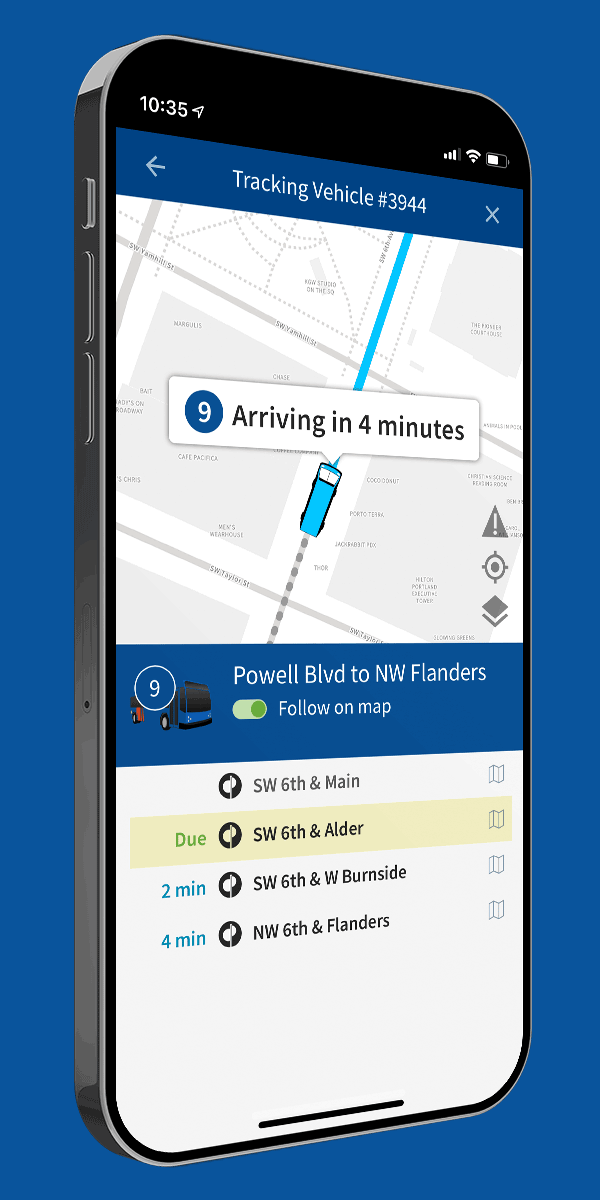
Find out when your bus or train is coming with a real-time arrival countdown from TriMet’s TransitTracker™.
More ways to track your ride:

Signs at MAX stations
All TriMet MAX stations, and some bus stops, have electronic signs showing the next arrivals.

By phone
Call 503-238-7433 and follow the voice prompts for TransitTracker. It helps to have your Stop ID Number ready.

By text
Text your Stop ID Number to 27299. You’ll instantly get a text back showing the next arrivals for that stop.

3Tap and go
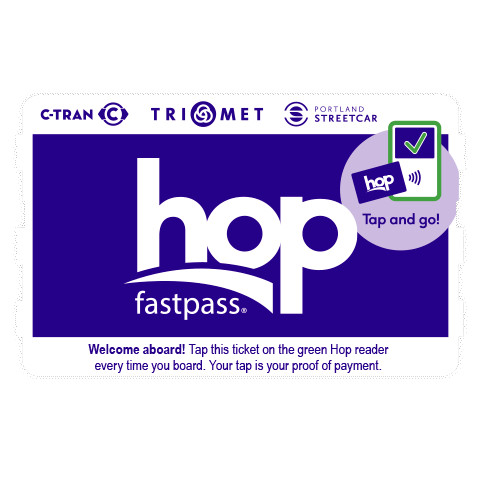
To pay, tap the green Hop reader at the MAX/WES station or inside the bus every time you board. You can tap with your phone or contactless credit card to pay the $2.80 Adult fare. Or, tap with a Hop card, virtual Hop card or Hop ticket.
 Phone (Credit/Debit)
 Contactless Credit/Debit Card
 Hop Card
 Virtual Hop Card
 Paper Hop Ticket
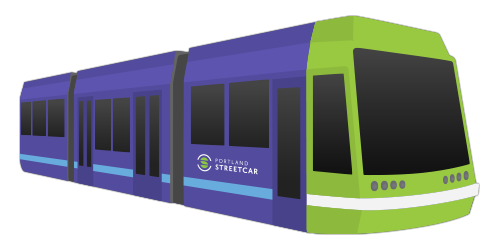
Meet the Fleet
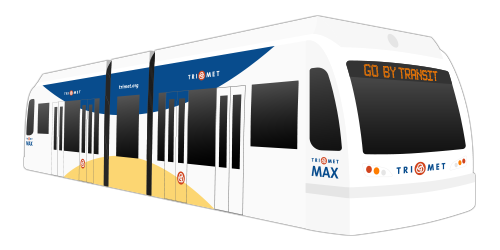
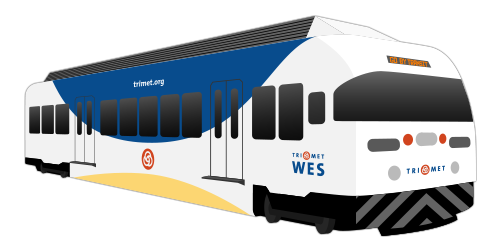
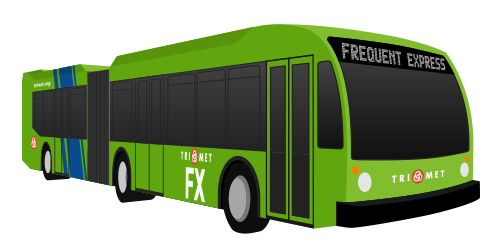
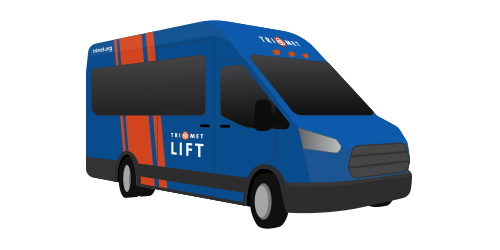
Frequent Service
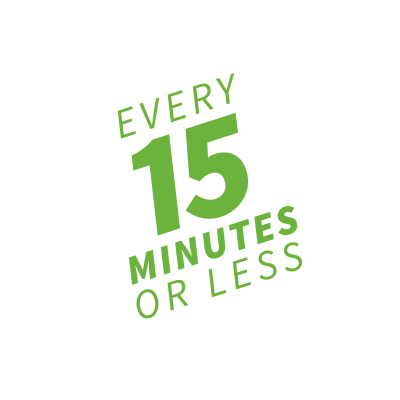
Lose the wait! On our popular Frequent Service lines, buses run every 15 minutes or better throughout the day, every day.
Stay in touch

Join the club
Be sure to join Riders Club for the latest news, surveys, contests, giveaways and more.
Form fields are required unless marked optional.Follow @trimet
Follow us on Twitter, Facebook and Instagram to get service updates and join the conversation.



We’re here to help

Text, tweet or call
503-238-7433
@trimethelp
7:30 a.m.–5:30 p.m. daily